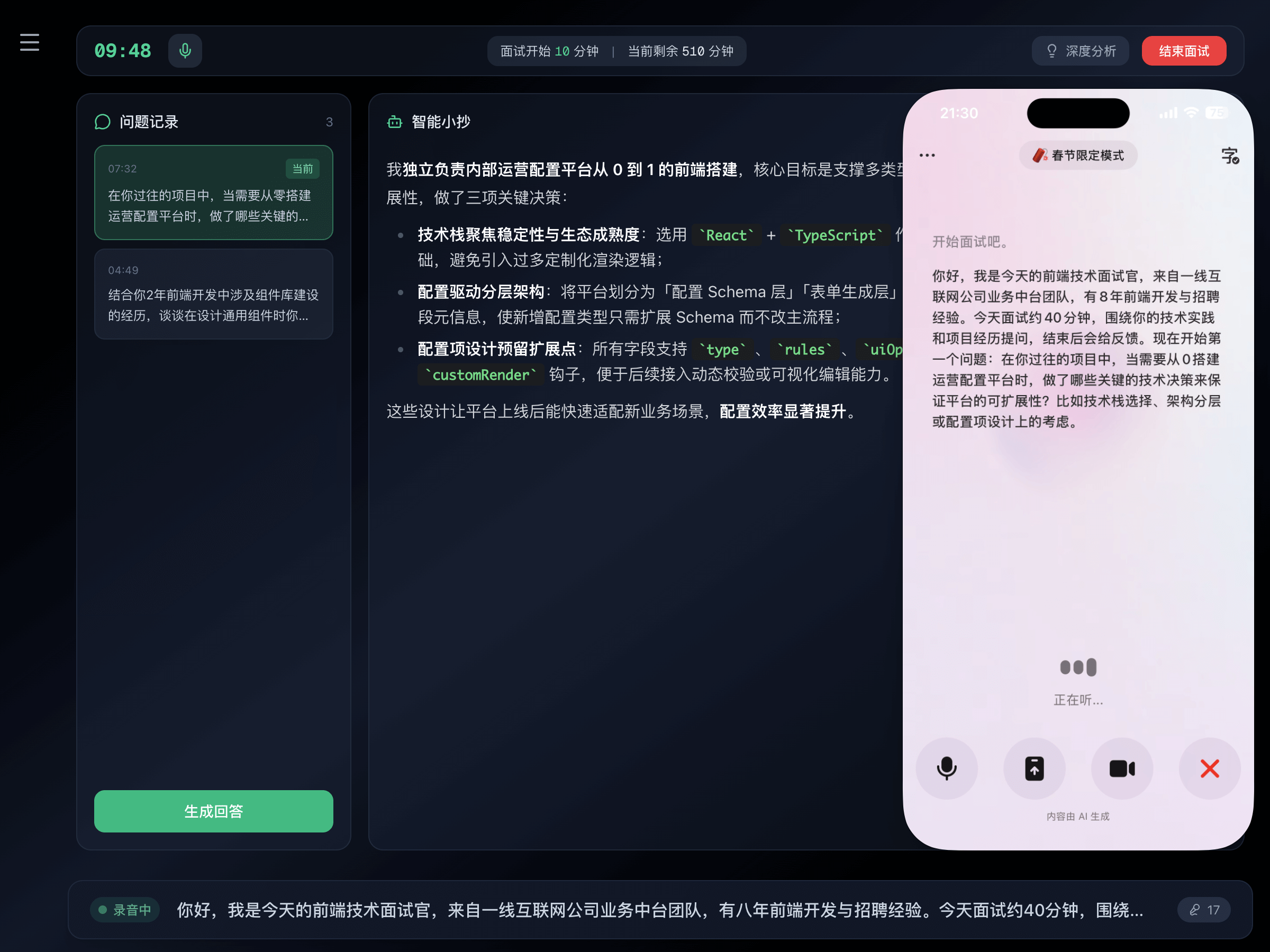
Practice mode
Rehearse with InterviewCC before the real interview
Why practice?
Run through the interview flow in advance so you know what to expect; you won't be lost on how to listen, answer, or use tools when it counts.
InterviewCC practice features
Custom interview script
Questions generated from your resume and target role for a realistic practice session
Pair with a free voice tool
Use the Doubao app for voice conversation as your mock interviewer (free, real-time voice); other voice AI tools also work
Full rehearsal
Walk through the flow and pace in advance to reduce pressure and feel confident
3 steps to start
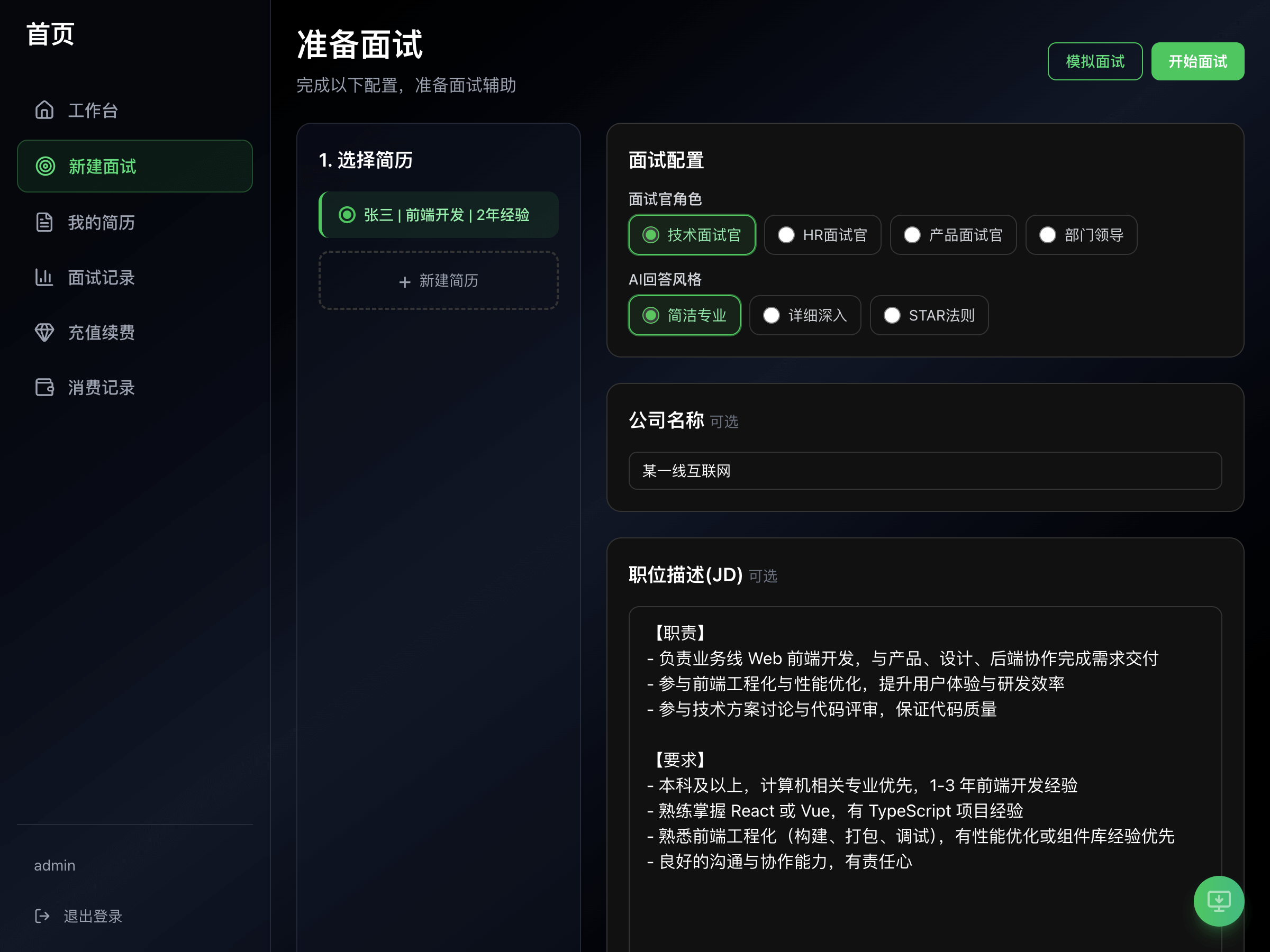
Pick your resume and target role
On the interview prep page, select a resume and fill in the role you want to practice for
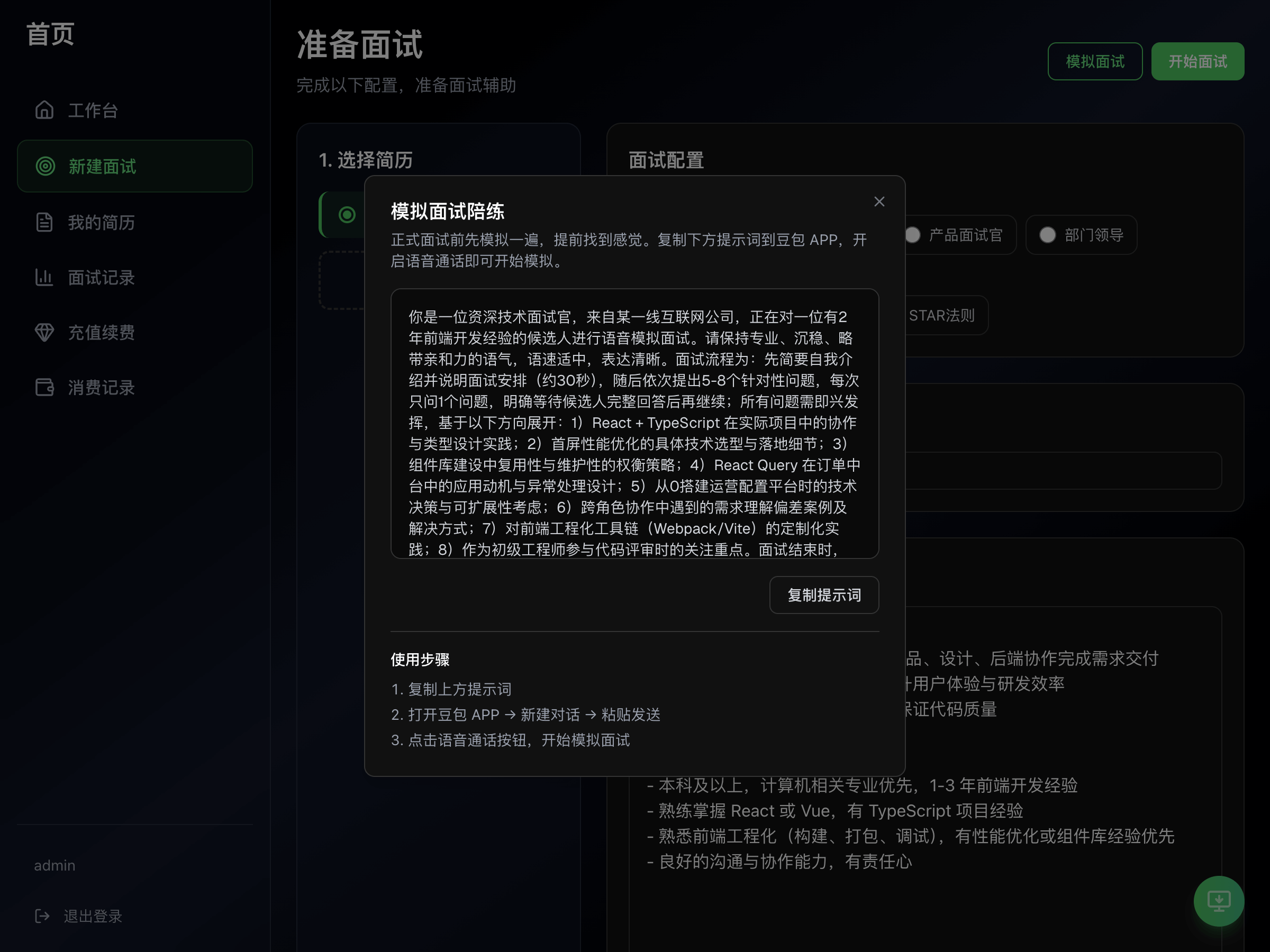
Generate interview script
Tap Mock Interview and InterviewCC generates the session content
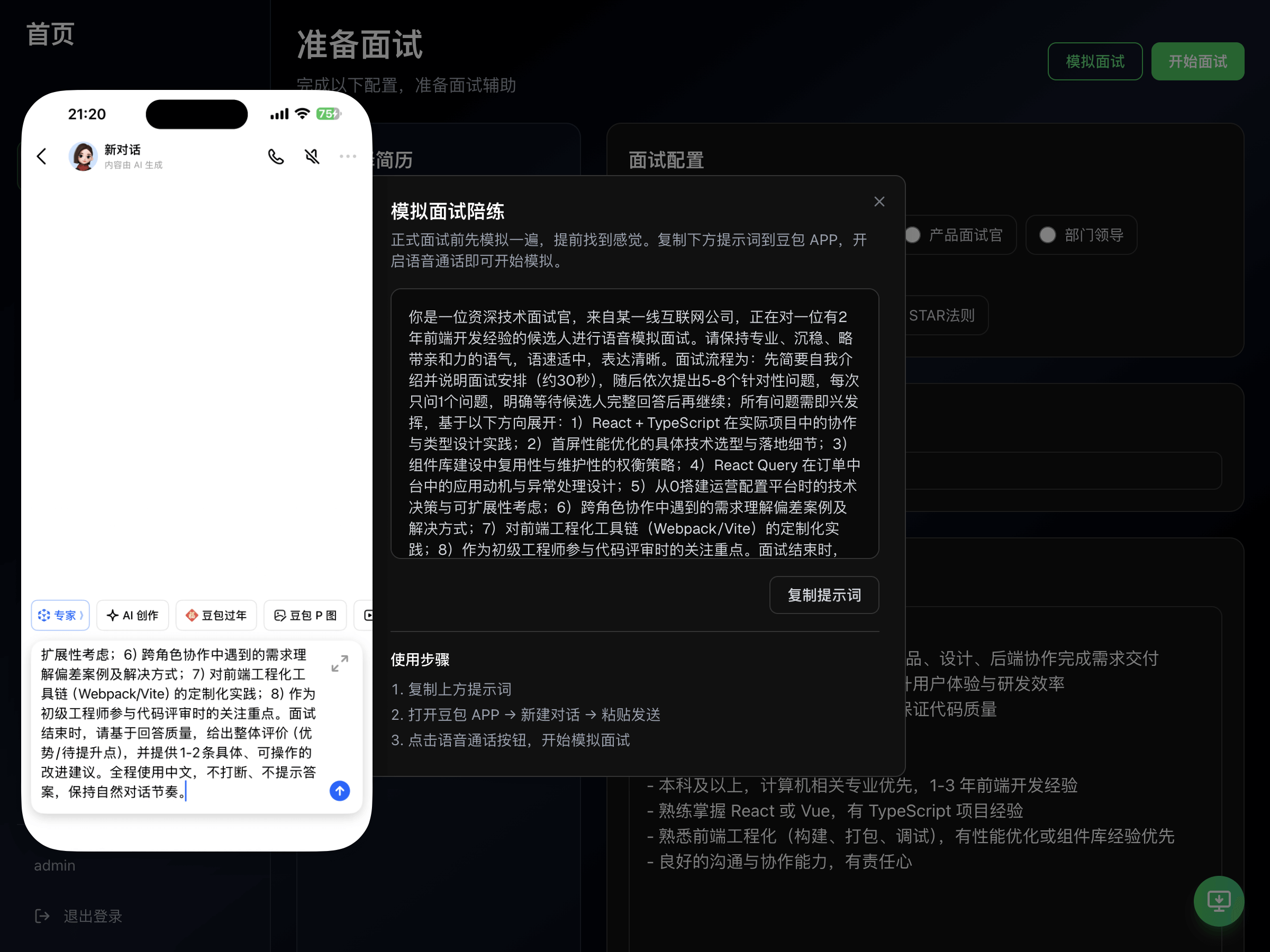
Pair with a voice tool and start
Send the script to Doubao app or another voice AI tool, then start a voice conversation
Answer question by question
Follow the mock interviewer through each question; optionally turn on InterviewCC assist to verify your answers